Walkthrough
Installing the CLI, signing in with Slack, and using it, captured from a real session with version 0.2.0 in a test workspace.
1. Install
The CLI is an npm package and needs Node.js 22 or later. There is no account to create.
$ npm install --global @alleneubank/slack-cli
added 13 packages in 1s
$ slack --version
0.2.0
2. Sign in with Slack
slack login opens Slack's consent page in the browser. Plain
slack login asks only for read access; --write also asks to post,
react, and upload.
$ slack login --write
Authorize Slack:
https://slack.com/oauth/v2_user/authorize?response_type=code&client_id=12085301315143.12095834471045&redirect_uri=https%3A%2F%2Falleneubank.github.io%2Fslack-cli%2Fcallback%2F&…
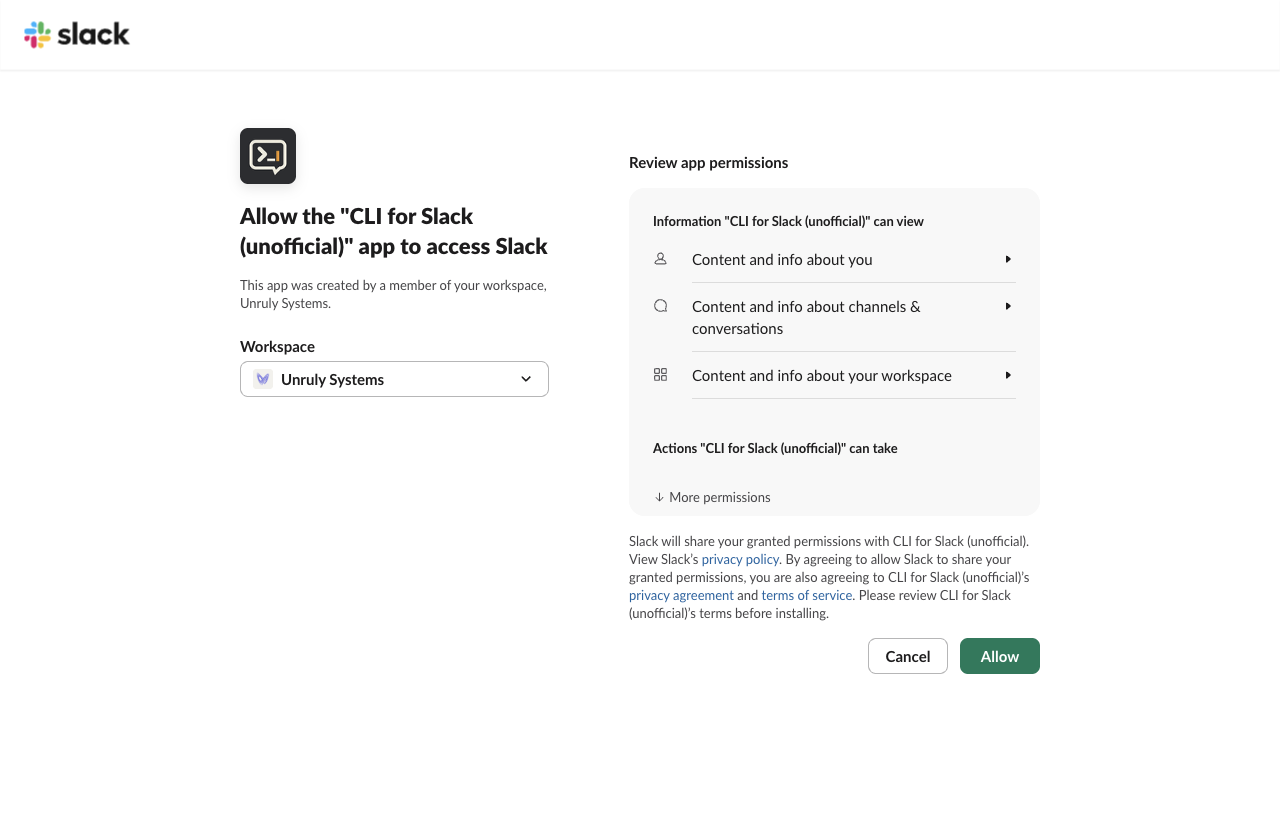
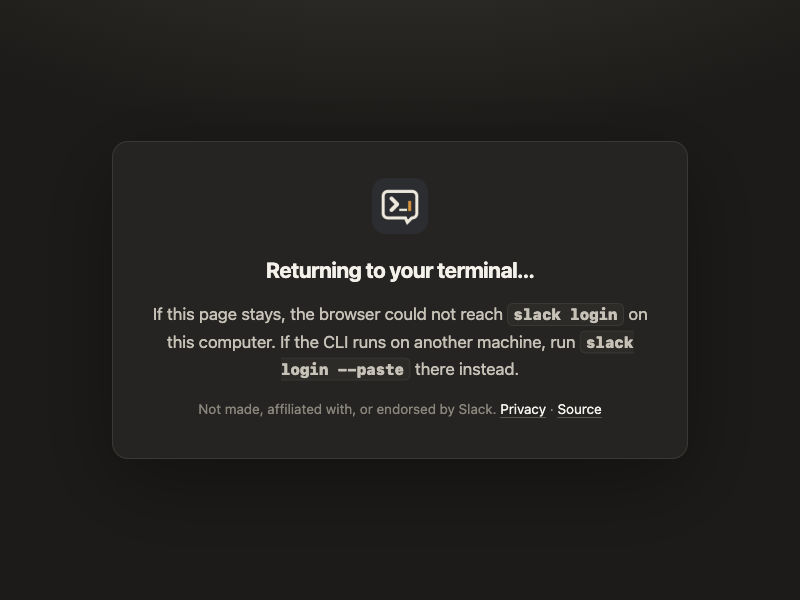
Slack redirects to this site's
sign-in page, a static page that hands the one-time code to the
CLI listening on 127.0.0.1. The code is useless without the PKCE verifier,
which never leaves the computer, and the app has no client secret.
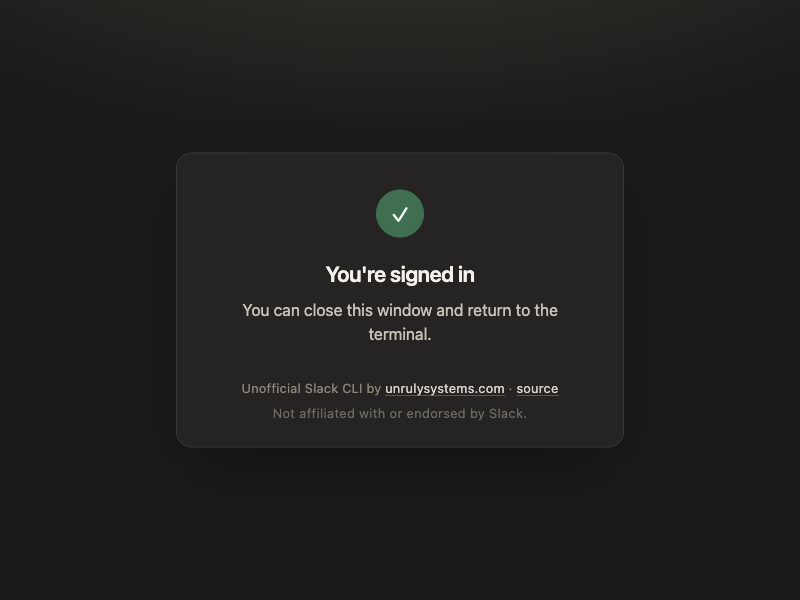
ok: true
teamId: T0C2H8V9947
teamName: Unruly Systems
scopes[31]: "channels:history","groups:history","im:history","mpim:history",…
$ slack auth test --filter-output ok,team,user
ok: true
team: Unruly Systems
user: allen
Signing in over SSH
When the CLI runs on a machine the browser cannot reach, slack login --paste
makes the sign-in page show the code instead, and the terminal reads it.
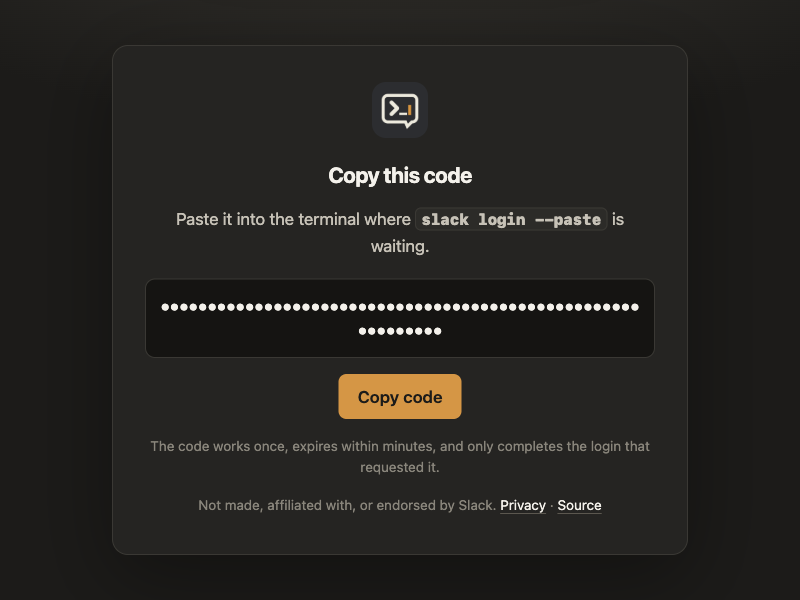
$ slack login --paste
Authorize Slack:
https://slack.com/oauth/v2_user/authorize?…
Paste the code shown in the browser: (code from the page)
ok: true
teamId: T0C2H8V9947
teamName: Unruly Systems
3. Use it
Every Slack Web API method the user's token can call is a command: method
a.b.c is slack a b c. Output is Slack's own response, optionally
filtered to the fields you need.
$ slack conversations list --types public_channel --limit 5 --filter-output 'channels[].name'
channels[4]{name}:
  all-unruly-systems
  social
  deploys
  new-channel
Writes can be previewed with --dry-run, which sends nothing:
$ slack chat postMessage C0C2W4H7DAR --text 'Release v2.5.0 is live.' --dry-run
dryRun: true
command: chat postMessage
args:
  channel: C0C2W4H7DAR
options:
  text: Release v2.5.0 is live.
Post a message, reply in its thread, and react to it:
$ slack chat postMessage C0C2W4H7DAR --text 'Release v2.5.0 is live.' --filter-output ok,ts
ok: true
ts: "1789793895.690449"
$ slack chat postMessage C0C2W4H7DAR --thread_ts 1789793895.690449 \
    --text 'Changelog: faster search and two fixes.' --filter-output ok,ts
ok: true
ts: "1789793896.128299"
$ slack reactions add --channel C0C2W4H7DAR --timestamp 1789793895.690449 --name tada
ok: true
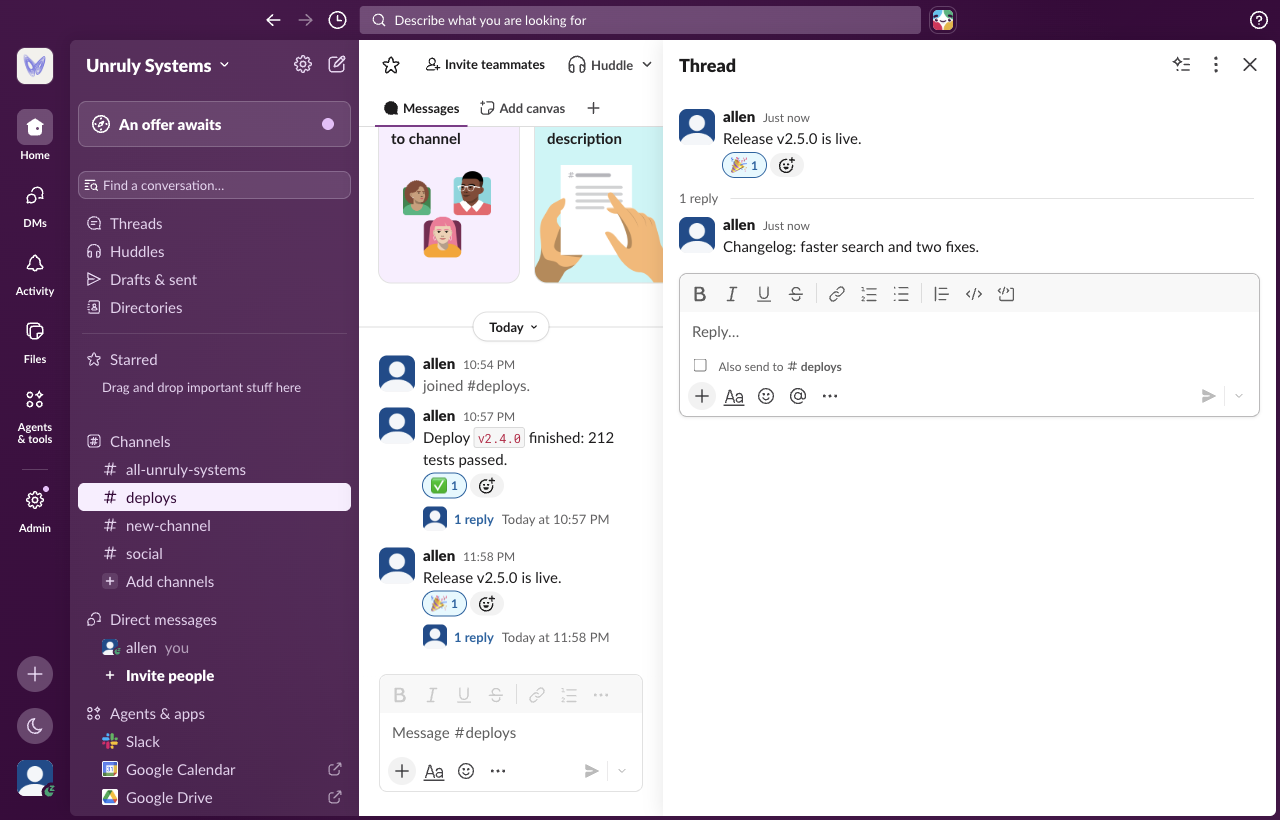
$ slack conversations history C0C2W4H7DAR --limit 1 \
    --filter-output 'messages[0].text,messages[0].reply_count,messages[0].reactions[0].name'
messages[1]:
  - text: Release v2.5.0 is live.
    reply_count: 1
    reactions[1]{name}:
      tada
4. Workspaces and signing out
$ slack workspaces list --filter-output 'current,workspaces[0].teamName,workspaces[0].rotating'
current: T0C2H8V9947
workspaces[1]{teamName,rotating}:
  Unruly Systems,false
$ slack auth revoke
ok: true
revoked: true
$ slack logout
ok: true
removed[1]: T0C2H8V9947
slack auth revoke invalidates the token at Slack, and
slack logout deletes it from the computer. Tokens never appear in the CLI's
output.